 ExpenseHut · Help Docs
Online Settings
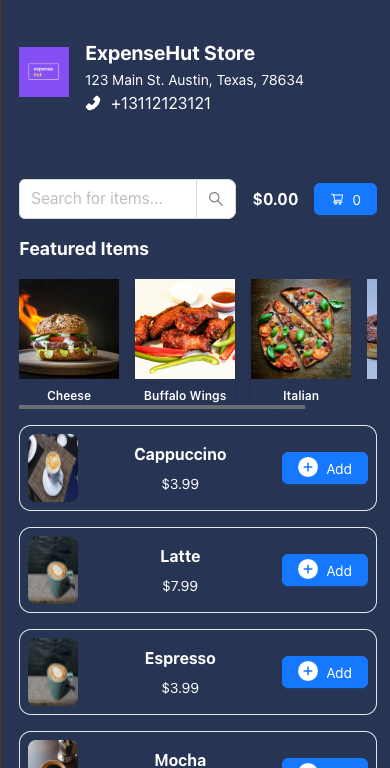
Get your business online in minutes with a digital storefront in few clicks.
Get Started
- Login to the web app
- Click on your organization.
- Select More in top nav menu
- Select Settings
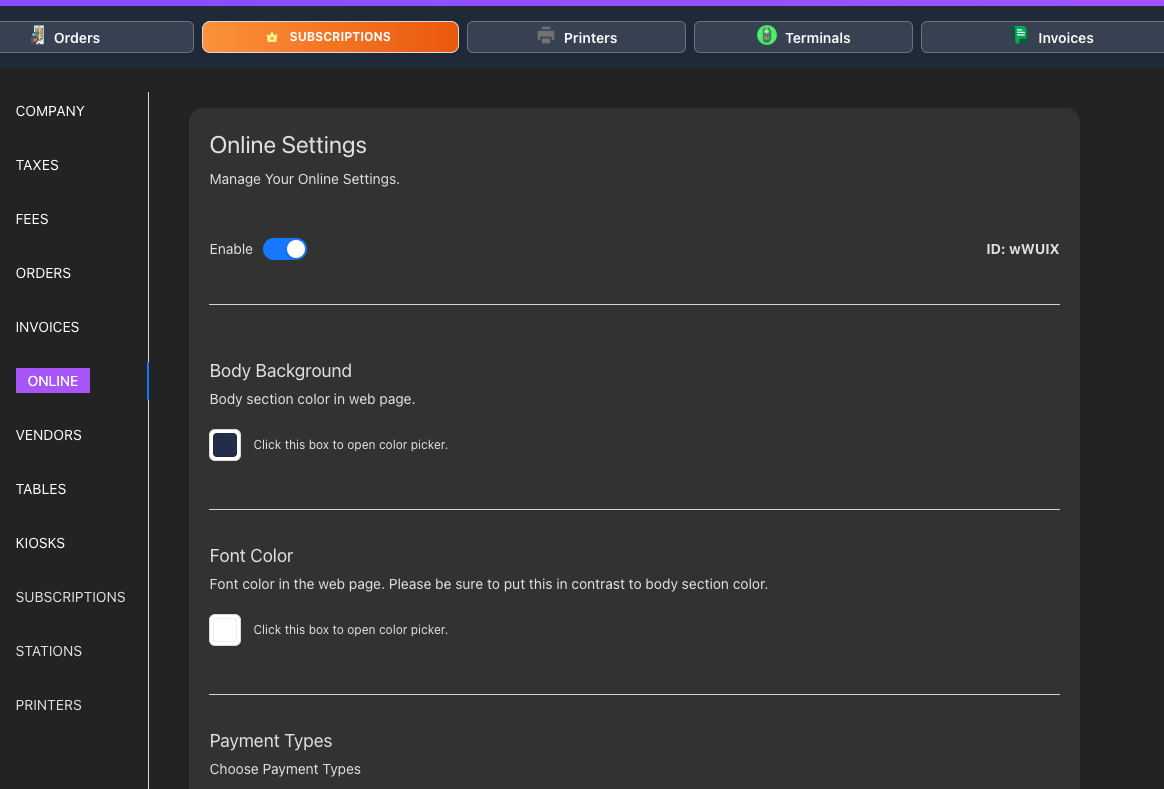
- Click Online section
- In this section you have various options to customize your website.
- Enable - Toggle this to on/off when you want to turn on your online store portal.
- Body Background - This is the background color of your page.
- Font Color - Color of the font.
- Payment Types
Allow Cash - Select this if you plan to accept cash from customers during pickup.
Allow Card - Select this if you plan to accept card. A merchant account is needed for this.
- Scan To Order - Fastfoods, Cafes and Restaurants can enable this for digital orders from customers via qr codes.
Questions? please email [email protected]