 ExpenseHut · Help Docs
Invoices
Create and manage unlimited invoices for free of cost.
US merchants can accept payments in-person or by entering card information. Please refer to your agreement for the transaction fees or go to Subscriptions page to find it under Limits section.
To create an invoice
Please be sure to add Products before starting the following steps.
- Login to the web app
- Select your organization.
- Choose Apps in the top right corner in the top menu bar.
- Select Invoices
- Click + button next to INVOICES header in top left. Invoices table
- Add customer details, select items, enter tax and hit Save.
- Reopen the invoice to add fees or accept payments or to send invoice to customers.
Add Fees
To add Fees, go to Settings -> Fees tab
- Open the invoice and scroll down to the Fees section.
- Select the fee that you created earlier and hit the add button next to it.
Merchant Accept Payments For Invoices
The following steps are for merchants to accept payments from customers. If you need to allow your customers pay directly from webpage, please see below section.
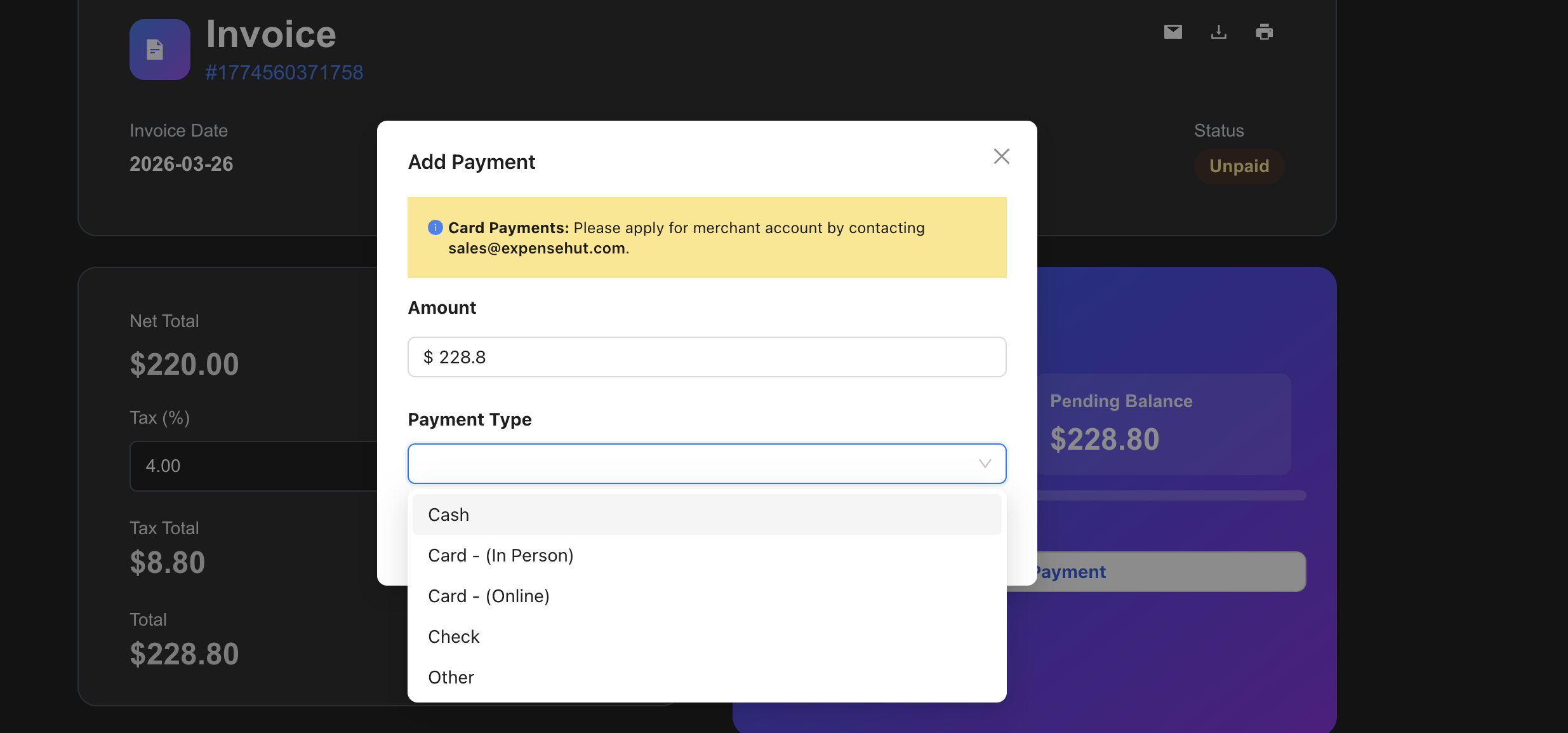
- Open the invoice and click Collect Payment button.
- In the payment dialog, choose the payment mode and click OK.
Customer pay Invoices
- Emails sent to customers include a Pay Now button, allowing them to pay the invoice easily.
- Customers do not have to create ExpenseHut account for payment.